
A manual Rust backup saves the server files before you make a risky change. Use one before Steam updates, wipes, custom map uploads, plugin changes, and major config edits.
- Open your Rust server in the control panel.
- Stop the server if you want the cleanest backup. For quick routine backups, you can leave it running.
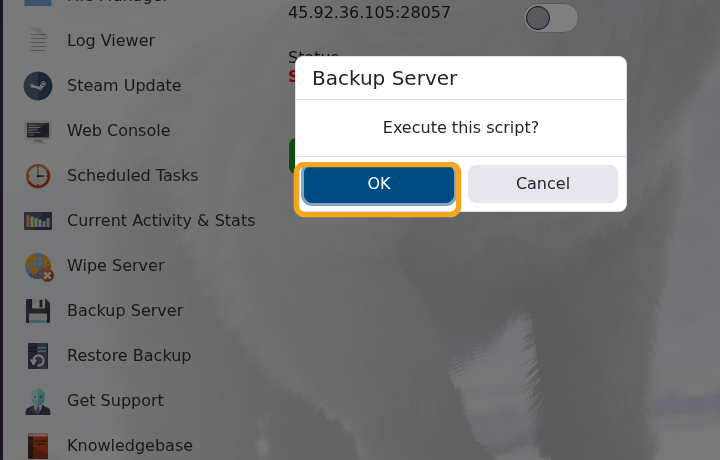
- Click Backup Server on the left side menu.
- Click OK when the backup confirmation appears.
- Wait until the backup output says the script has executed successfully.
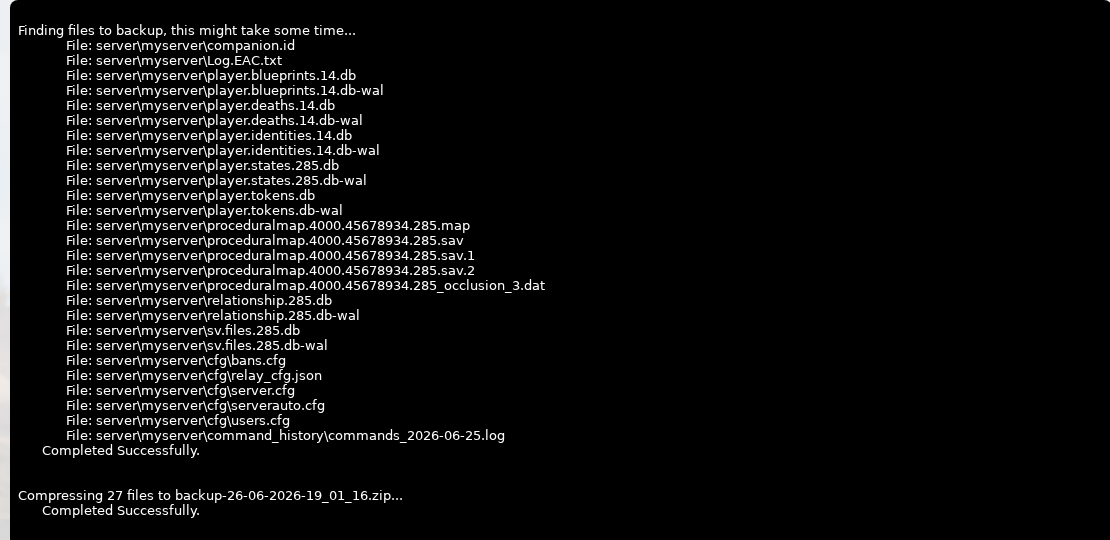
- You can now continue with your update, wipe, upload, or config change.
Need to roll back later? Use How to restore a backup on your Rust server.


