
Use Steam Update when Space Engineers releases a dedicated server update or when your client says the server version does not match. Take a backup first if you have recently changed saves, mods, or configuration files.
Update The Server
- Open your Space Engineers server in the control panel.
- Take a backup first if the save is important: How to backup your Space Engineers server.
- Click Steam Update from the left side menu.
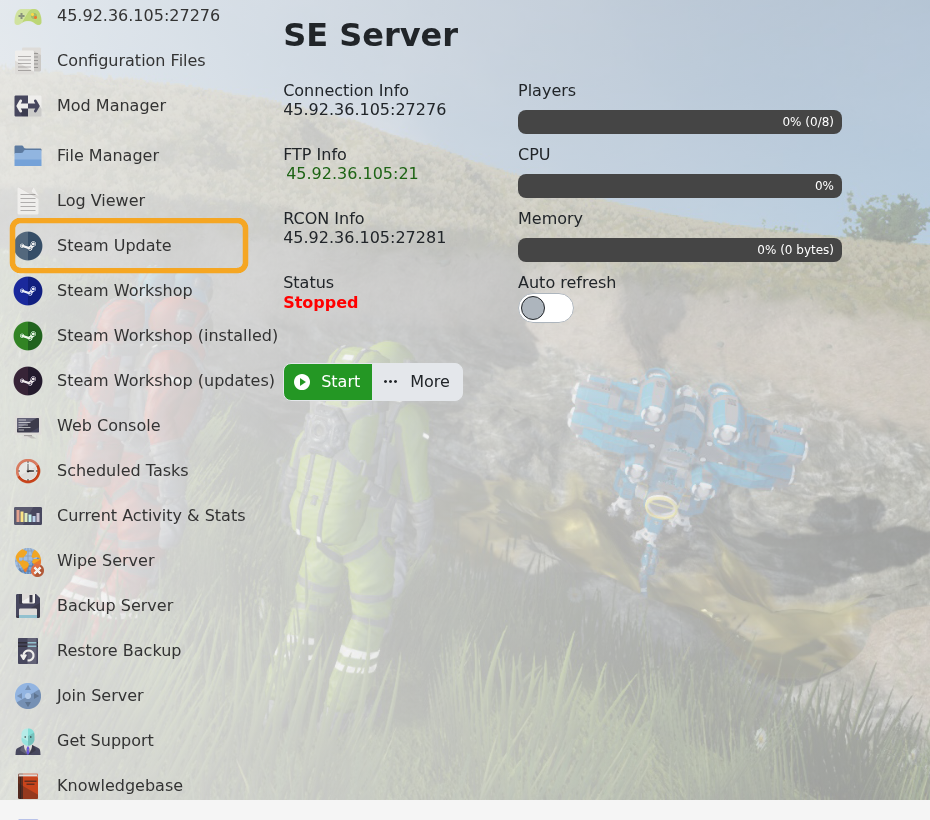
- Wait for the update task to finish.
- Start or restart the server.
- Check Web Console or Log Viewer if the server does not start after the update.
If you use Torch or experimental game versions from Mod Manager, check those after major updates as well. A base Steam update can replace files that a modded setup depends on.


