Space Engineers Workshop content can include mods, ships, worlds, scripts, and blueprints. Use the panel's Steam Workshop page to browse and install Workshop items, then restart the server so the content can load.
Install Workshop Content
- Open your Space Engineers server in the control panel.
- Take a backup first if the item changes your active world.
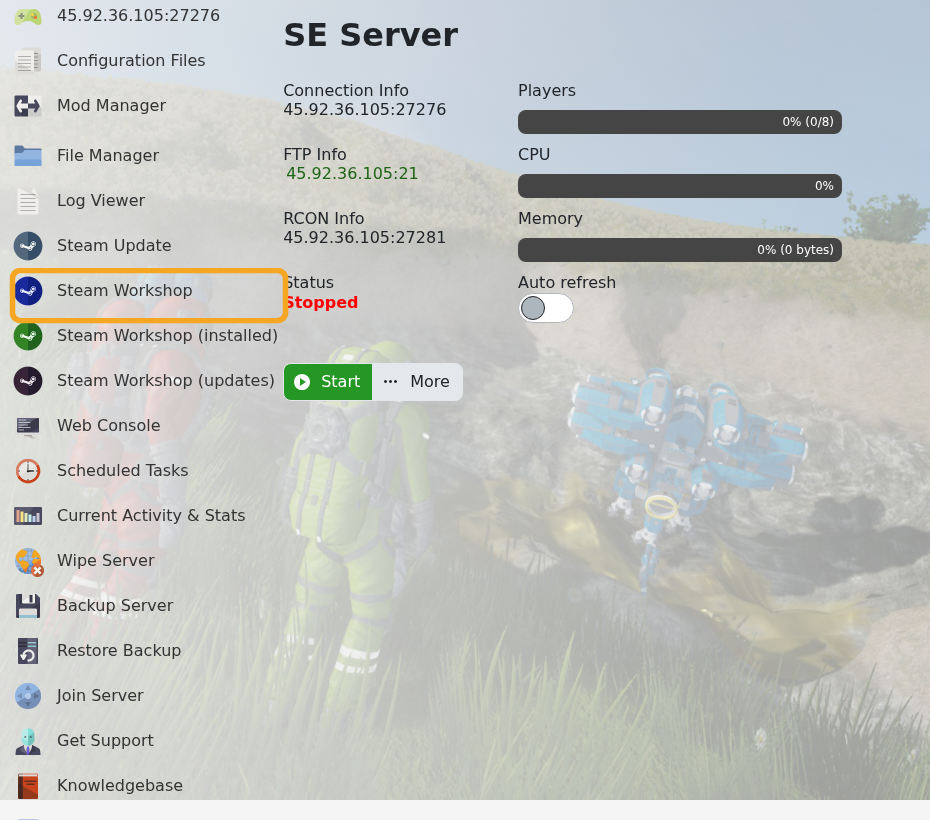
- Click Steam Workshop.
- Use the search box, sort options, time period, content type, or collections toggle to find the Workshop item you want.
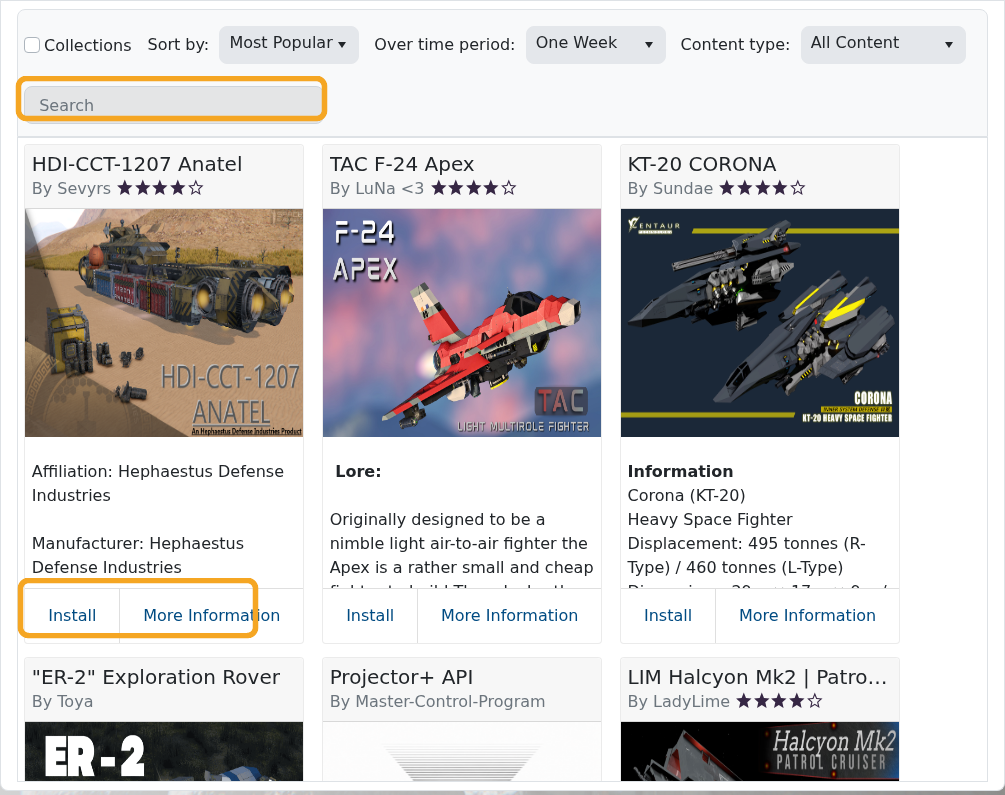
- Check the title, author, and Workshop instructions before installing. Search results can include blueprints or worlds as well as server-side mods.
- Click Install on the correct item and wait for the install task to finish.
- Restart the server.
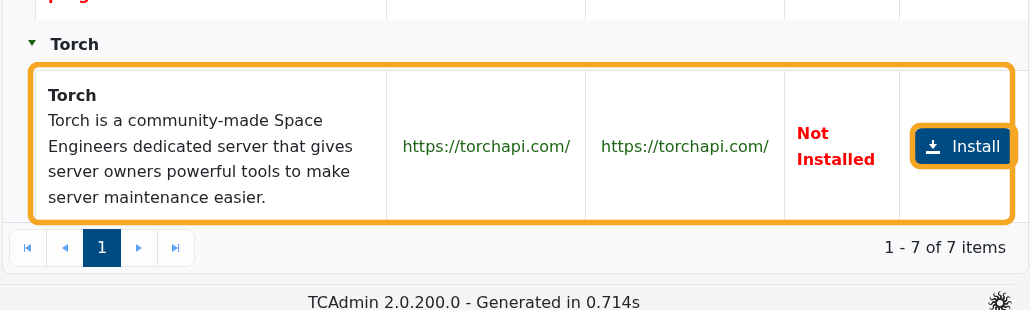
Some Workshop mods require additional configuration or Torch. If the mod author says Torch is required, install Torch from Mod Manager and check the mod instructions carefully.