
Workshop mods may need updating after Arma 3 updates or when a mod author releases a new version. Update the mod files from the Workshop section, then restart the server so Arma loads the new files.

  1. Open your Arma 3 server in the control panel.
  2. Take a backup first if the server is live or heavily modded.
  3. Click Steam Workshop (updates) to check installed Workshop items that have updates available.
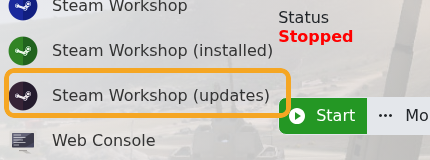
    Arma 3 Steam Workshop updates button

  4. If the update list does not show the item you need, open Steam Workshop and search for the installed mod.
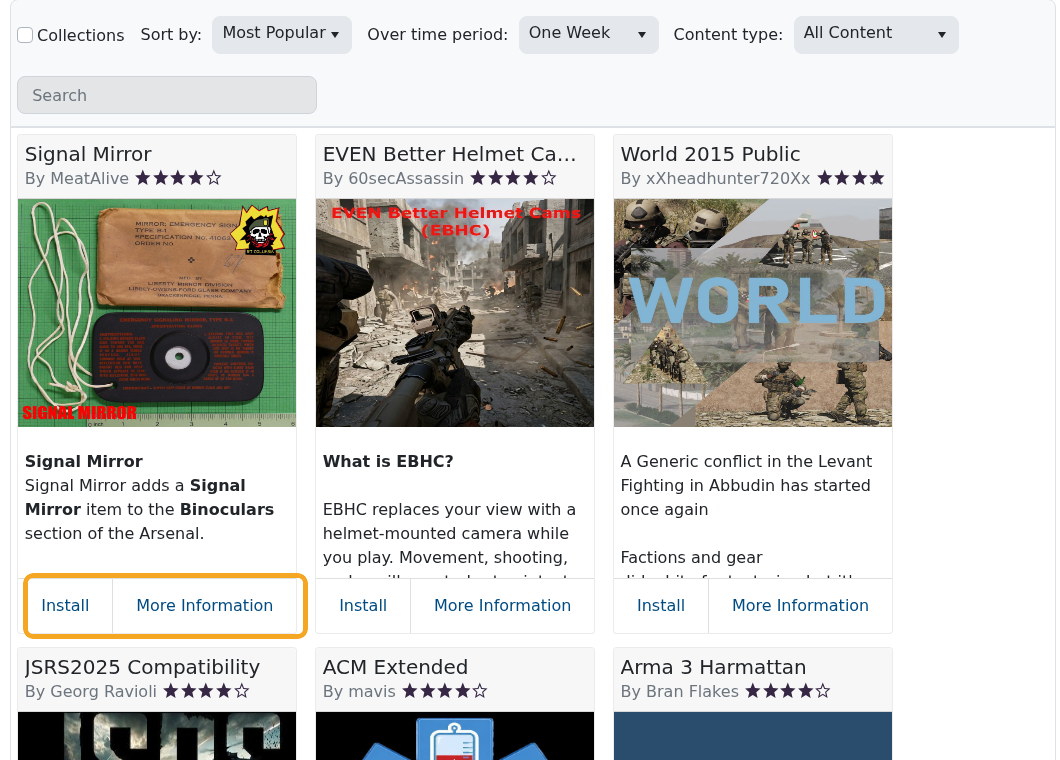
    Arma 3 Steam Workshop showing mod search results

  5. Run the update/install action for the mod and wait for the task to finish.
  6. Restart the server.
  7. If the server fails to start, check Web Console for missing dependency or signature errors.

If a mod update changed folder names or dependencies, update the selected command line as well. The command line must still reference the correct -mod or -servermod folders.


  • 0 Korisnici koji smatraju članak korisnim
Je li Vam ovaj odgovor pomogao?

Vezani članci

Adding and running a mission on your Arma 3 server

Arma 3 multiplayer missions are usually uploaded as .pbo files into the MPMissions folder. After...

Installing workshop mods to your ARMA 3 server

Install Arma 3 Workshop mods from the control panel, then make sure the server command line loads...

ARMA3 Server mods not showing on game launcher

If Arma 3 launcher only shows some of your server mods, the server may not be sending enough mod...

How to add creator DLCs to an Arma3 server

Some Arma 3 Creator DLC content needs dedicated server files and a matching startup parameter...

How to join an Arma 3 server

You can join your Arma 3 server by using the connection address from your control panel. Arma 3...
