
Web Console lets you watch Arma 3 server output from the control panel. Use it after updates, mission changes, mod installs, and command line edits to confirm the server starts cleanly.
- Open your Arma 3 server in the control panel.
- Click Web Console.
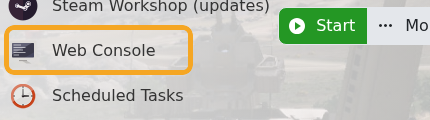
- Start or restart the server if you need fresh startup output.
- Watch for missing mission, missing addon, signature, port, or config errors.
- If you need support, copy the latest relevant console lines and submit a support ticket.
For config changes, Web Console is usually the quickest way to confirm whether Arma loaded the mission and mods you expected.


