
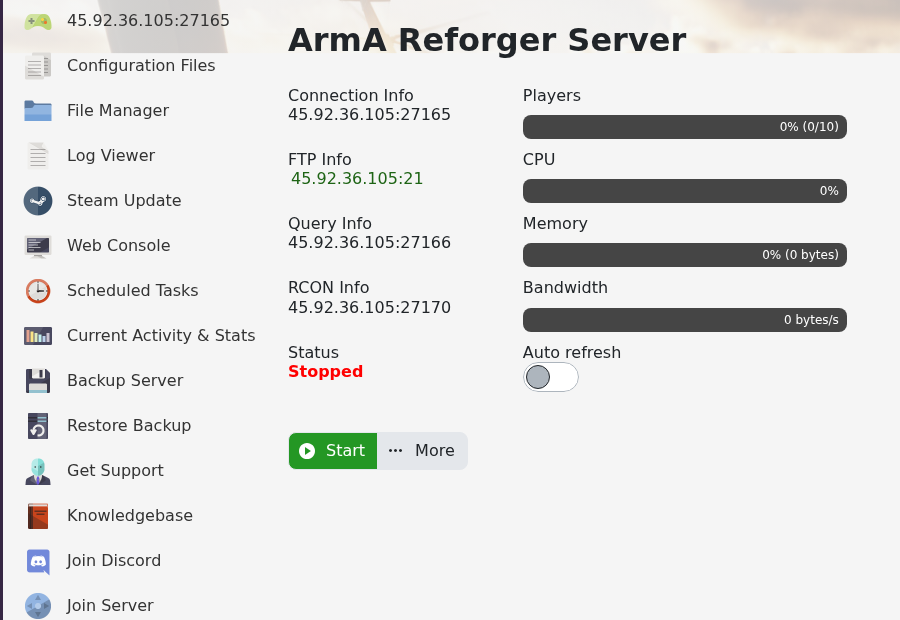
You can join your Arma Reforger server by using the server address shown in your control panel. Reforger also has a separate query port and RCON port, so make sure you use the main Connection Info address when joining from the game.
- Open your Arma Reforger server in the control panel.
- Copy the address under Connection Info.
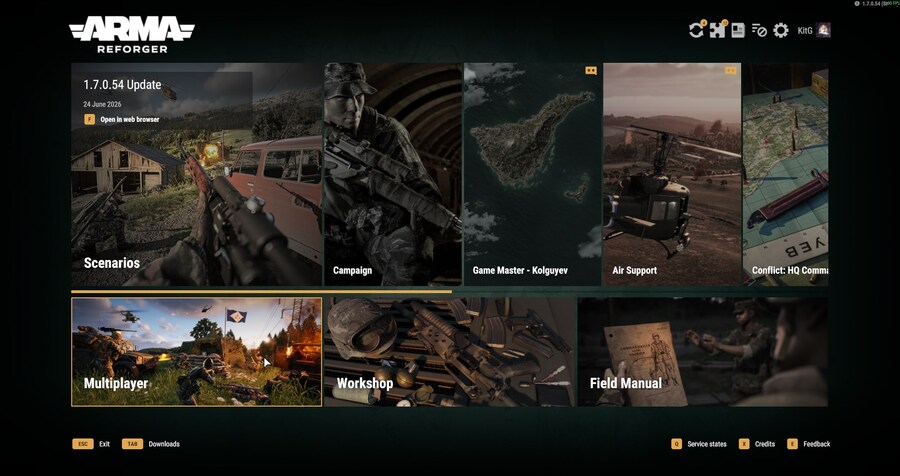
- Open Arma Reforger on your PC.
- Select Multiplayer from the main menu.
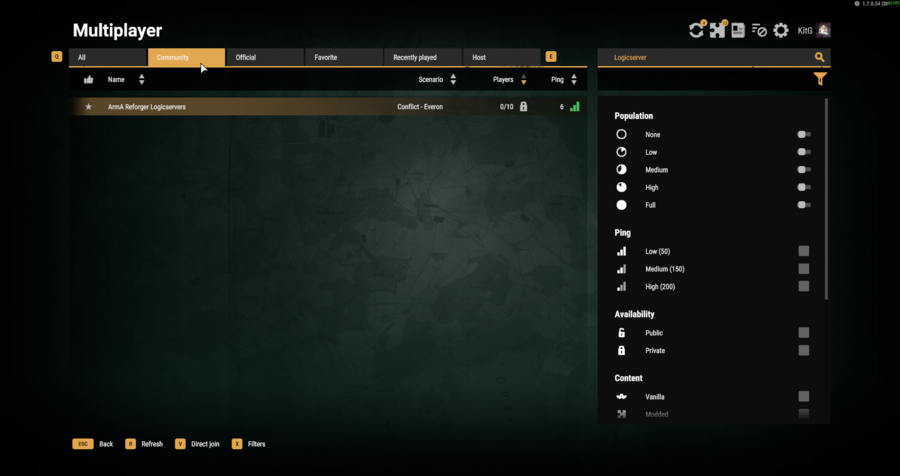
- Search for your server name, or use direct connect with the IP and port from the panel.
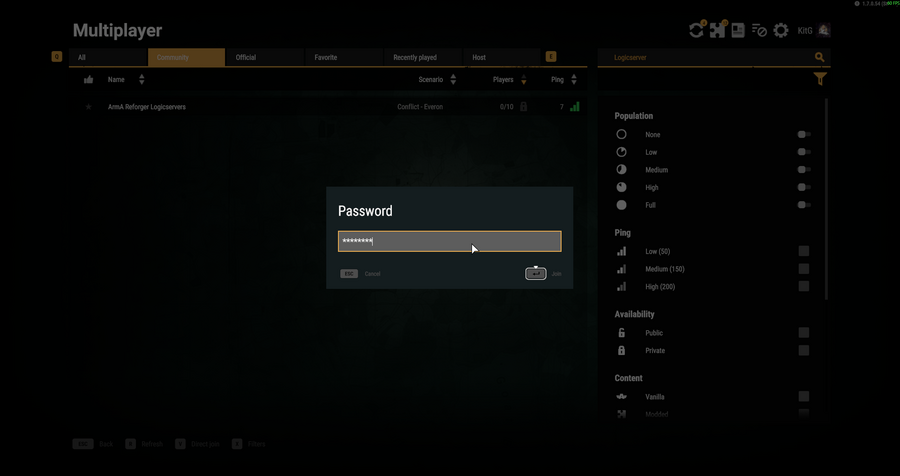
- Select the server, enter the server password if one is configured, then join.
If you cannot find the server, check that Server Visible is enabled in server_config.json and that the server has fully started.


