
Use Steam Update when Arma Reforger releases a server update or when your client reports that the server is out of date. Take a backup first if you have custom JSON settings, saves, or manually added files.
- Open your Arma Reforger server in the control panel.
- Click Backup Server first if the save or config is important.
- Click Steam Update from the left side menu.
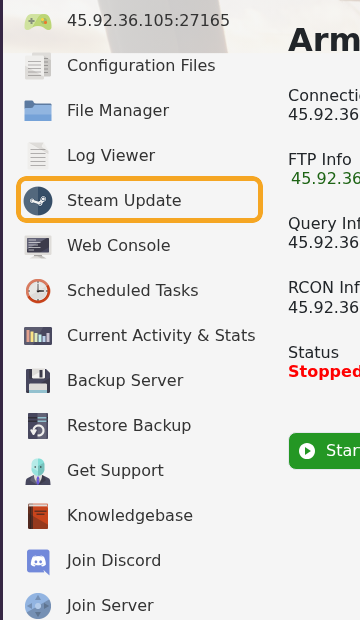
- Wait for the Steam update task to finish.
- Start or restart the server.
After updating, check server_config.json if the server does not appear in the browser. Reforger updates can be strict about JSON formatting and scenario/mod values.


