
Restore a backup when you need to roll back after a broken update, bad JSON edit, unwanted scenario change, or failed mod setup. Restoring replaces the current server files with the selected backup.
- Open your Arma Reforger server in the control panel.
- Stop the server.
- Click Restore Backup from the left side menu.
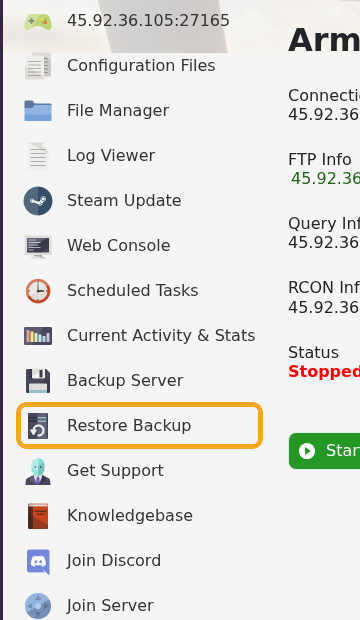
- Select the backup you want to restore from the dropdown.
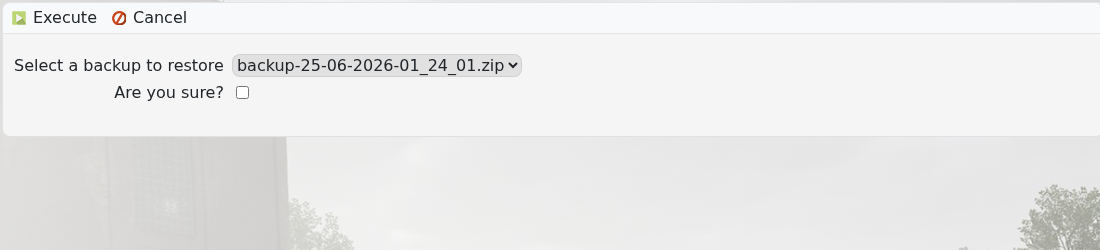
- Tick Are you sure?, then execute the restore and wait for the task to finish.
- Start the server and check it loads correctly.
If the server still fails after restoring, submit a support ticket and include the backup name you restored.


