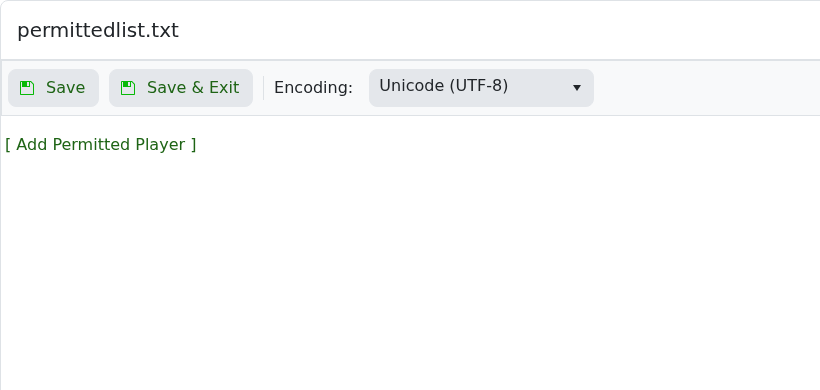
Valheim can restrict access with permittedlist.txt. Add approved SteamID64 values to that file, save it, then restart the server so the permitted list is loaded.

  1. Find each player SteamID64: How to find your personal Steam ID64 number.
  2. Open your Valheim server in the control panel.
  3. Click Configuration Files.
  4. Open permittedlist.txt with Config Editor.

    Valheim permittedlist.txt Config Editor

  5. Click [ Add Permitted Player ].
  6. Enter the player SteamID64 in the SteamID64 field. Use [ Add Permitted Player ] again to add more players.
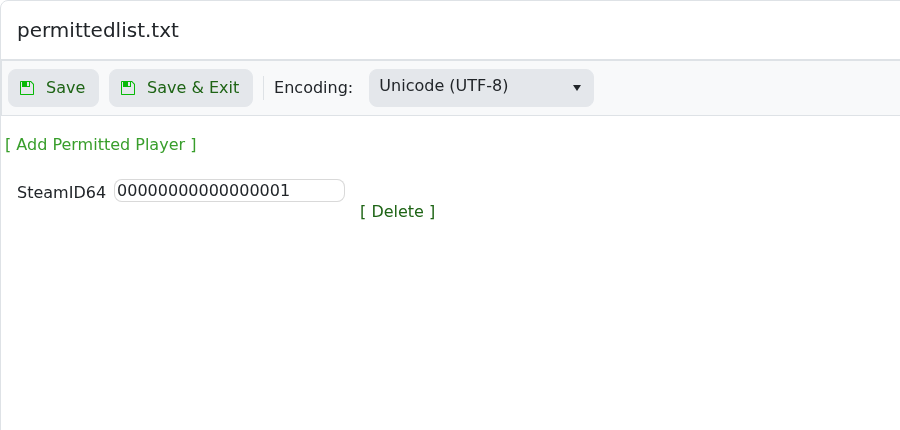
    Valheim permittedlist.txt showing Add Permitted Player SteamID64 field

  7. Use [ Delete ] next to a row to remove a player.
  8. Click Save & Exit, then restart the server.

Keep your own SteamID64 in the permitted list before enabling a private setup, or you may lock yourself out.


  • 0 istifadəçi bunu faydalı hesab edir
Bu cavab sizə kömək etdi?

Uyğun məqalələr

Changing the name of your Valheim Server

The Valheim server name is stored in the server settings file. Change it from the server.bat...

Changing the password of your Valheim Server

Use the server.bat Config Editor to set or change the Valheim join password. Valheim passwords...

Changing the world that your Valheim Server loads

The Valheim World field tells the server which world save to load. The value must match the world...

How to upload a world to your Valheim Server

Upload a Valheim world when you want your server to run a world from your own PC or another...

How to make yourself admin on a Valheim Server

Valheim server admins are listed in adminlist.txt. Add your SteamID64 to that file, save it, then...