
Valheim can restrict access with permittedlist.txt. Add approved SteamID64 values to that file, save it, then restart the server so the permitted list is loaded.
- Find each player SteamID64: How to find your personal Steam ID64 number.
- Open your Valheim server in the control panel.
- Click Configuration Files.
- Open
permittedlist.txtwith Config Editor.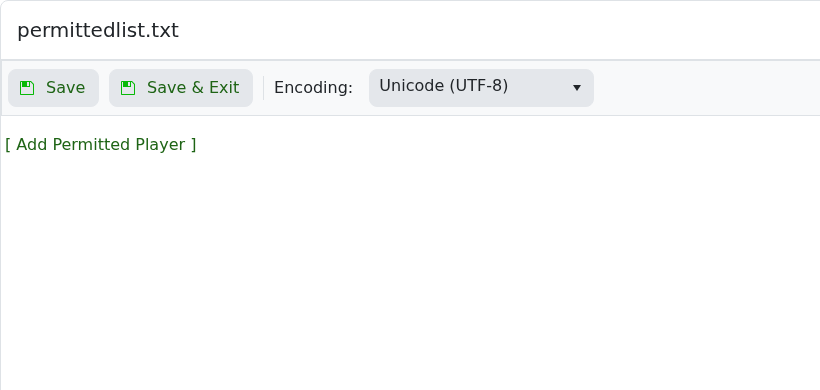
- Click [ Add Permitted Player ].
- Enter the player SteamID64 in the SteamID64 field. Use [ Add Permitted Player ] again to add more players.
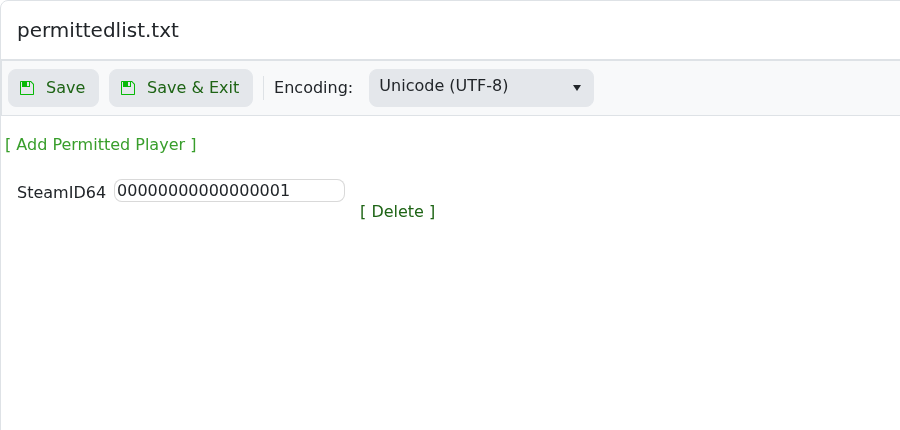
- Use [ Delete ] next to a row to remove a player.
- Click Save & Exit, then restart the server.
Keep your own SteamID64 in the permitted list before enabling a private setup, or you may lock yourself out.


