
Use Steam Update when Satisfactory releases a dedicated server update, when players see a version mismatch, or when you need to repair the server files.
- Open your Satisfactory server in the control panel.
- Click Backup Server first if the current save matters.
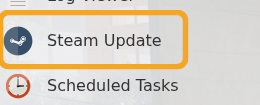
- Click Steam Update.
- Wait for the Steam update task to finish.
- Start or restart the server.
- If the server still shows an error after updating, check the latest logs and submit a support ticket with the output.


