
Palworld startup errors are usually caused by outdated server files, broken mods, bad config values, missing files, or a damaged save. The goal is to work out what changed just before the problem started, then undo or repair that part first.
- Open your Palworld server in the control panel.
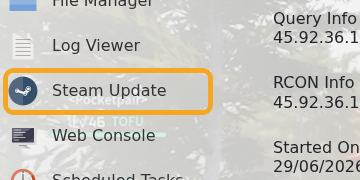
- If the issue started after a Palworld update, run Steam Update and wait for it to finish.
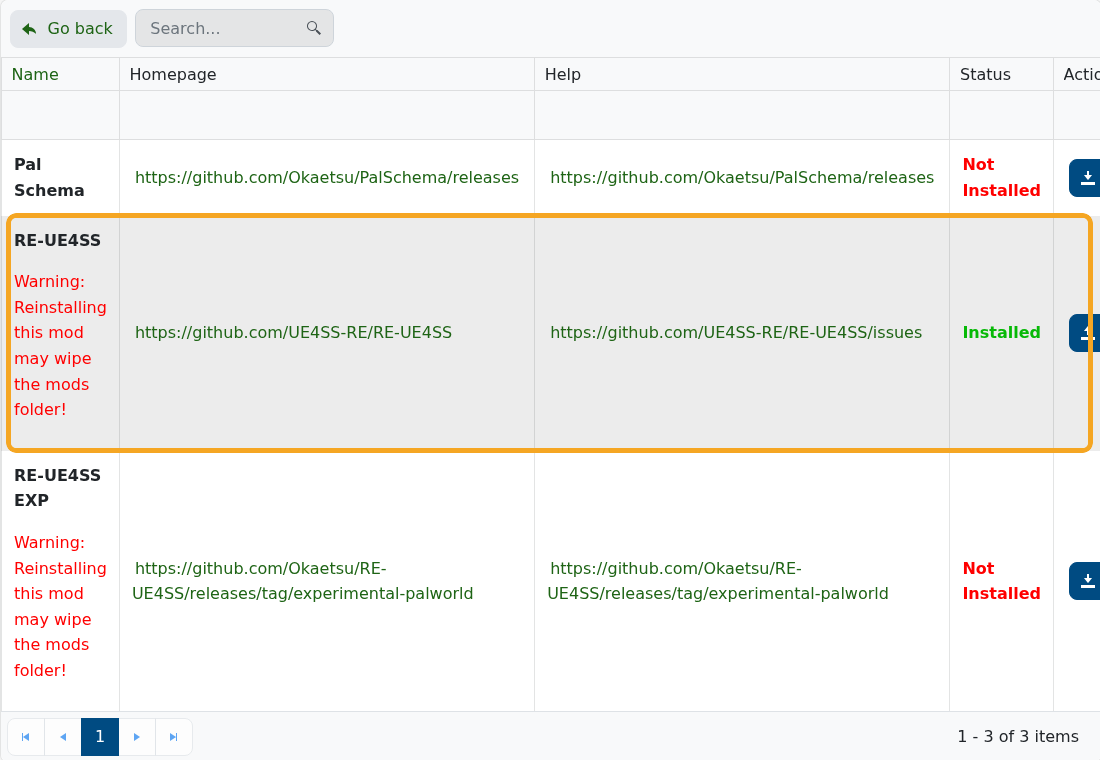
- If the issue started after a mod install, remove the newest mod first. For UE4SS or manual mods, check the mod guide: How to add mods to Palworld server.
- If the issue started after a config change, reopen
PalWorldSettings.iniand undo the last changed value: How to edit the Configuration Files on your Palworld server. - If the world may be damaged, stop the server and restore the last known-good backup: How to Restore a Backup on your Palworld Server.

- Start the server again and watch the console or startup output for the first clear error.
When opening a ticket, include what changed before the crash, whether mods are installed, whether a backup exists, and the newest error/output you can see. Do not reinstall or delete world files before taking a backup.


