
Use Steam Update when Valheim releases a server update, when players get a version mismatch, or when you need to repair the dedicated server files. Take a backup first if the world is important.
- Open your Valheim server in the control panel.
- Click Backup Server first if you need a rollback point.
- Click Steam Update.
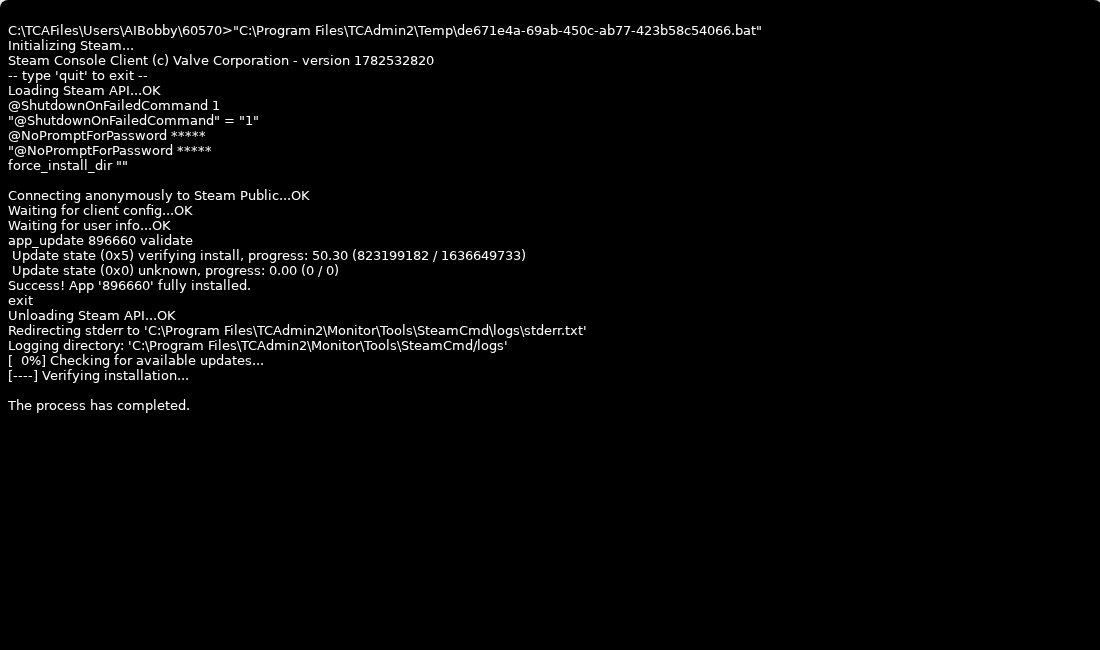
- Wait for the Steam update task to finish. Do not restart the server while the update is still running.
- Start or restart the server.
- If you use Valheim Plus or another modded branch, check the mod page after updating because mods can need their own update.


