
You can upload a local Dragonwilds save to the server using the File Manager. If the save is large, use SFTP instead of the browser uploader: How to connect to SFTP using FileZilla.
Upload the save
- Take a backup of the server first.
- Stop the server.
- Open File Manager.
- Open RSDragonwilds, then Saved, then SaveGames.
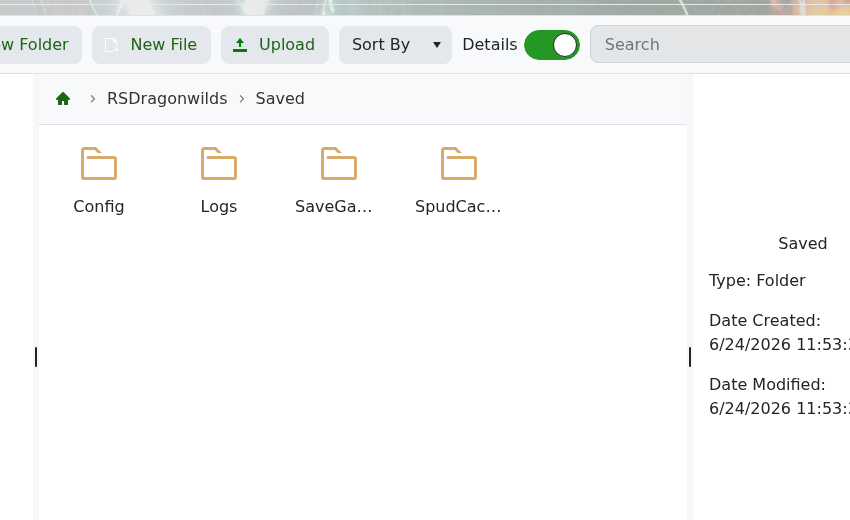
- Upload your save files into the correct save folder.
- Start the server again.
If you are replacing an existing world, keep a backup of the original save folder until you have confirmed the uploaded world works.


