
The server name is controlled from AloftServer.ps1 in the Config Editor.
- Open your Aloft server in the control panel, then click Configuration Files.
- Click Config Editor next to
AloftServer.ps1.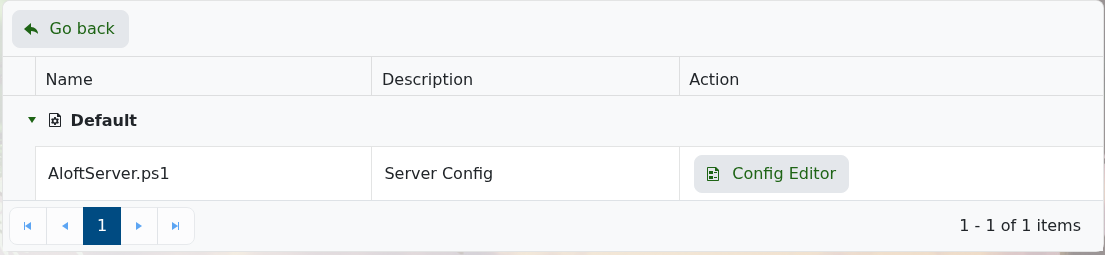
- Change the Server Name field to the name you want players to see.
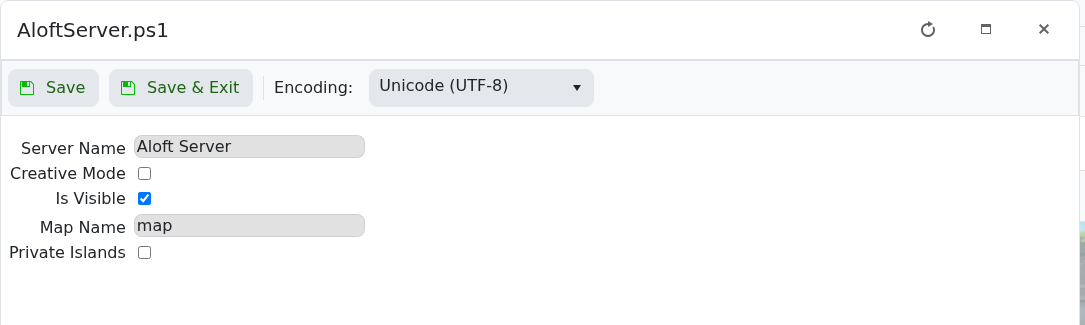
- Click Save & Exit, then restart the server.
For the other settings on this page, see Modifying the settings of your Aloft server.


