
ASKA does not currently expose a separate player-save interval in the control panel. The save interval available for the server is Auto Save, which writes to autosave style inside server properties.txt.
- Open your ASKA server in the control panel, then click Configuration Files.
- Click Config Editor next to
server properties.txt. - Use Auto Save to choose how often the server saves.
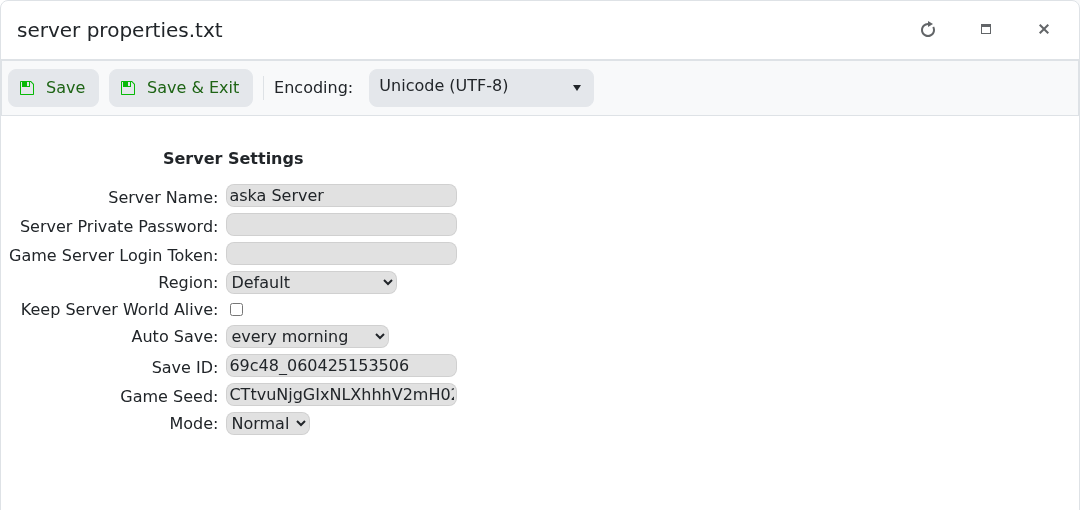
- Click Save & Exit, then restart the server.
If a player appears to roll back while the world looks correct, use a shorter autosave interval and give ASKA time to complete its next autosave before restarting the server.


