
Use Steam Update when ASKA has released a server update. Take a backup first so you have a restore point if the update causes problems.
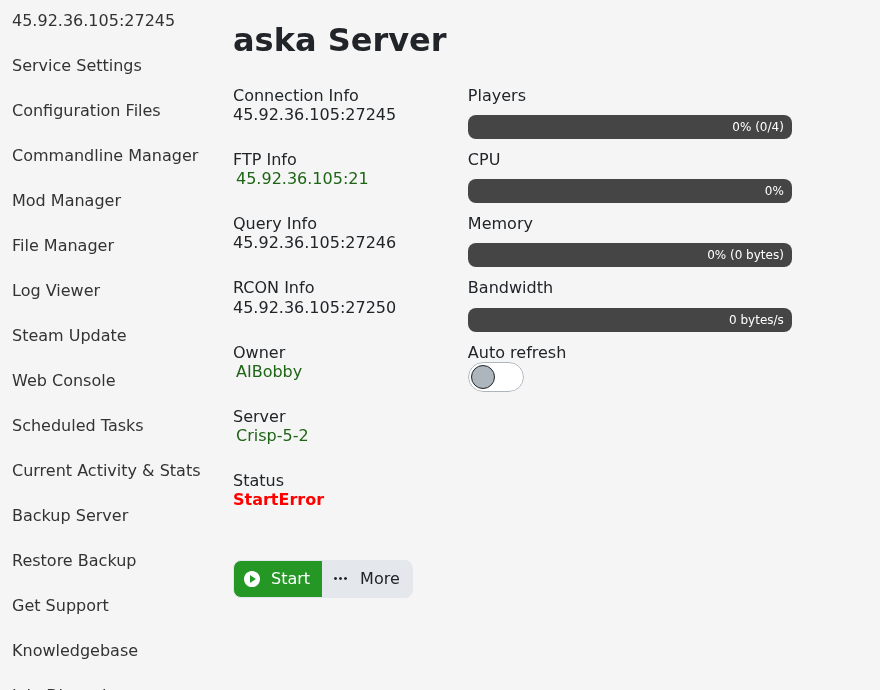
- Open your ASKA server in the control panel.
- Click Backup Server and wait for the backup to finish.
- Click Steam Update on the left side menu.
- The panel opens a console-style Steam update window. Leave it open until the update process finishes. Steam Update handles the server stop/start process itself.
If the update fails or the server will not start after updating, submit a support ticket and include the last lines from the Web Console.


