
Icarus can resume the current prospect automatically, or you can force the server to load a specific prospect by editing ServerSettings.ini.
- Open your Icarus server in the control panel and stop the server.
- Click Configuration Files.
- Open
ServerSettings.iniwith Text Editor.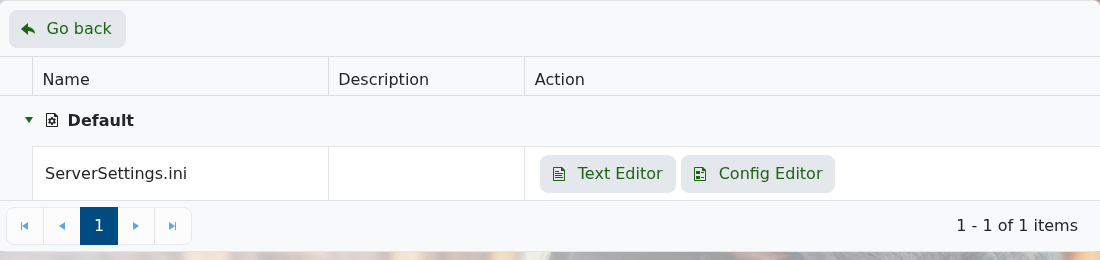
- Find
LoadProspect=. - Enter the prospect name after
LoadProspect=. Leave it blank if you want Icarus to resume the current prospect normally. - Make sure
ResumeProspect=Trueif you want the server to continue the selected prospect after restarts. - Click Save & Exit, then start the server.
Prospect files are stored under Icarus/Saved/PlayerData/DedicatedServer/Prospects. If the prospect is not already on the server, upload it first: How to upload an Icarus prospect to your server.


