
Create a backup before updating, installing Workshop mods, changing command lines, uploading missions, or editing server.cfg. A backup gives you a restore point if the server fails to start or a mission/mod change causes problems.
- Open your Arma 3 server in the control panel.
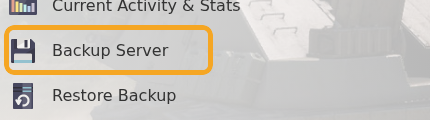
- Click Backup Server.
- Wait for the backup task to finish before making further changes.
For the cleanest backup before large mod or mission changes, stop the server first so files are not being written while the backup runs. This is especially useful before changing server.cfg, replacing files in MPMissions, or changing command line mod folders.


