
BattlEye RCON settings are stored in Savegame\battleye\BEServer_x64.cfg. Use this if an external RCON tool needs the Reforger RCON address, port, and password.
- Open your Arma Reforger server in the control panel.
- Click Configuration Files.
- Open
Savegame\battleye\BEServer_x64.cfgwith Text Editor.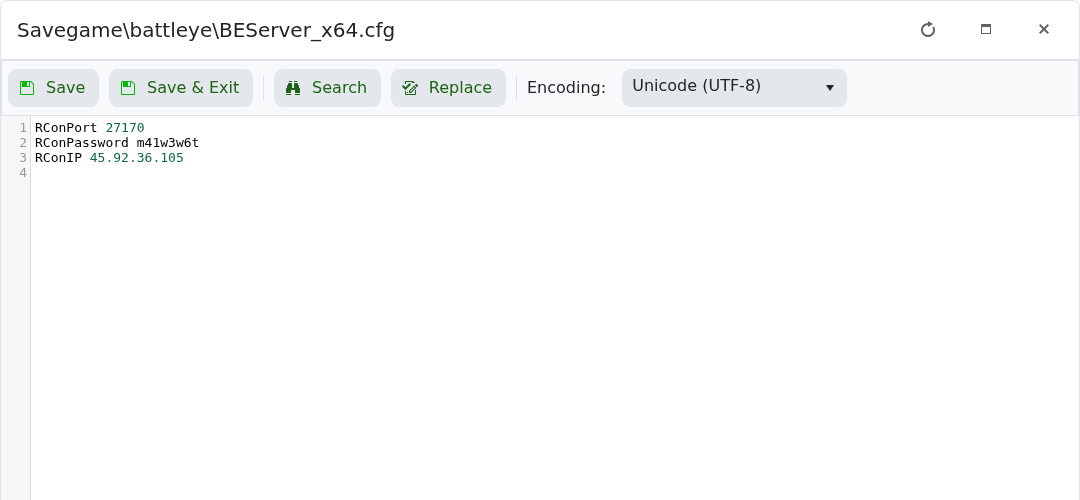
- Set
RConPortto the RCON port shown in the control panel. - Set
RConPasswordto a private password. - Set
RConIPto the server IP if required. - Click Save & Exit, then restart the server.
Keep the RCON password private. Anyone with the RCON address and password may be able to run remote server commands.


