
phpMyAdmin lets you view and manage a Ptero MySQL database from your browser. Use it carefully, as changes made here affect the database directly.
If you need the database endpoint, username, or password first, see our guide here: How to create a database on the Ptero panel.
Open phpMyAdmin
- Open your server in the Ptero control panel, then open Databases.
- Click the square-with-arrow icon next to the database you want to manage. This opens phpMyAdmin for that database.

- phpMyAdmin will open in a new browser tab for that database.
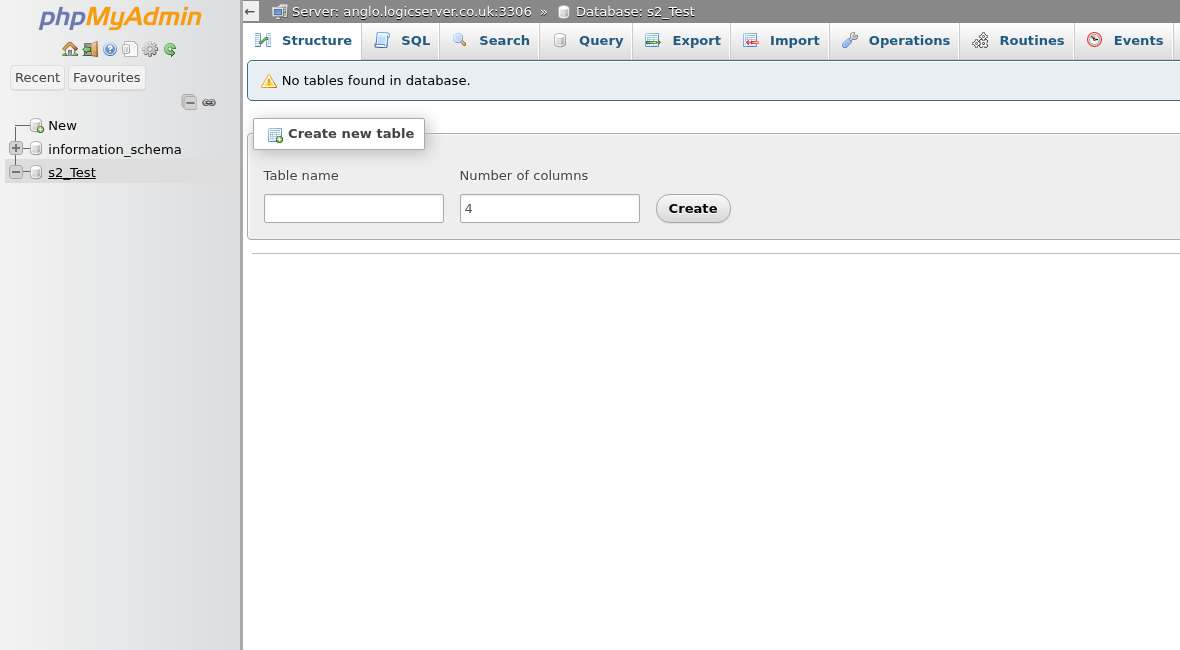
From here, you can import SQL files, export backups, run SQL queries, and check tables. If you are not sure what a plugin or mod needs, check its documentation before making changes.


