
A manual backup saves a copy of your Aloft server files before you make changes. Use one before editing settings, uploading a world, creating a new world, or running a Steam update. The backup is stored remotely, with a small entry left in the server backups folder so the restore script knows which backups are available.
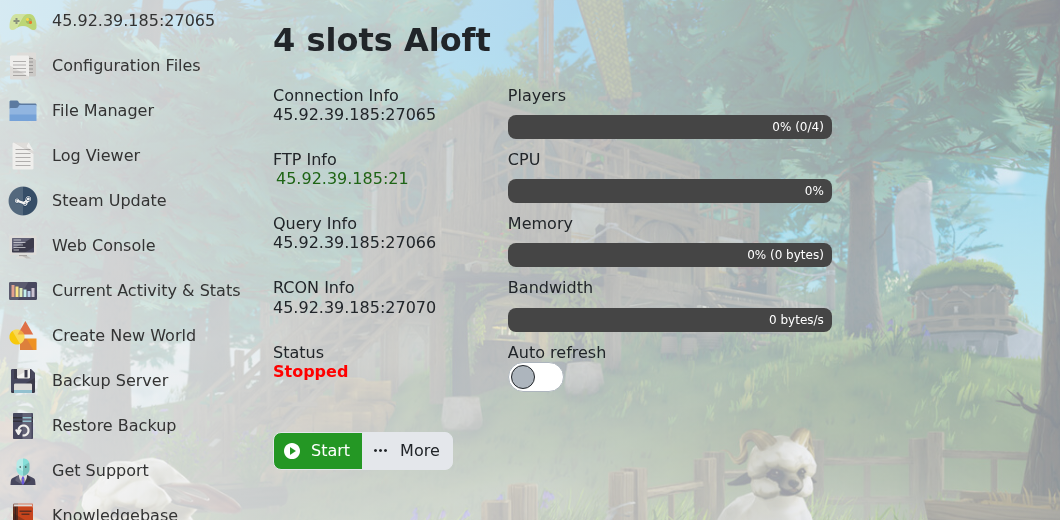
- Open your Aloft server in the control panel.
- Stop the server if you want the cleanest backup.
- Click Backup Server on the left side menu.
- The panel opens a console-style backup window. Wait for the backup process to finish before making more changes.
Need to roll back later? Use How to restore a backup to your Aloft Server.


